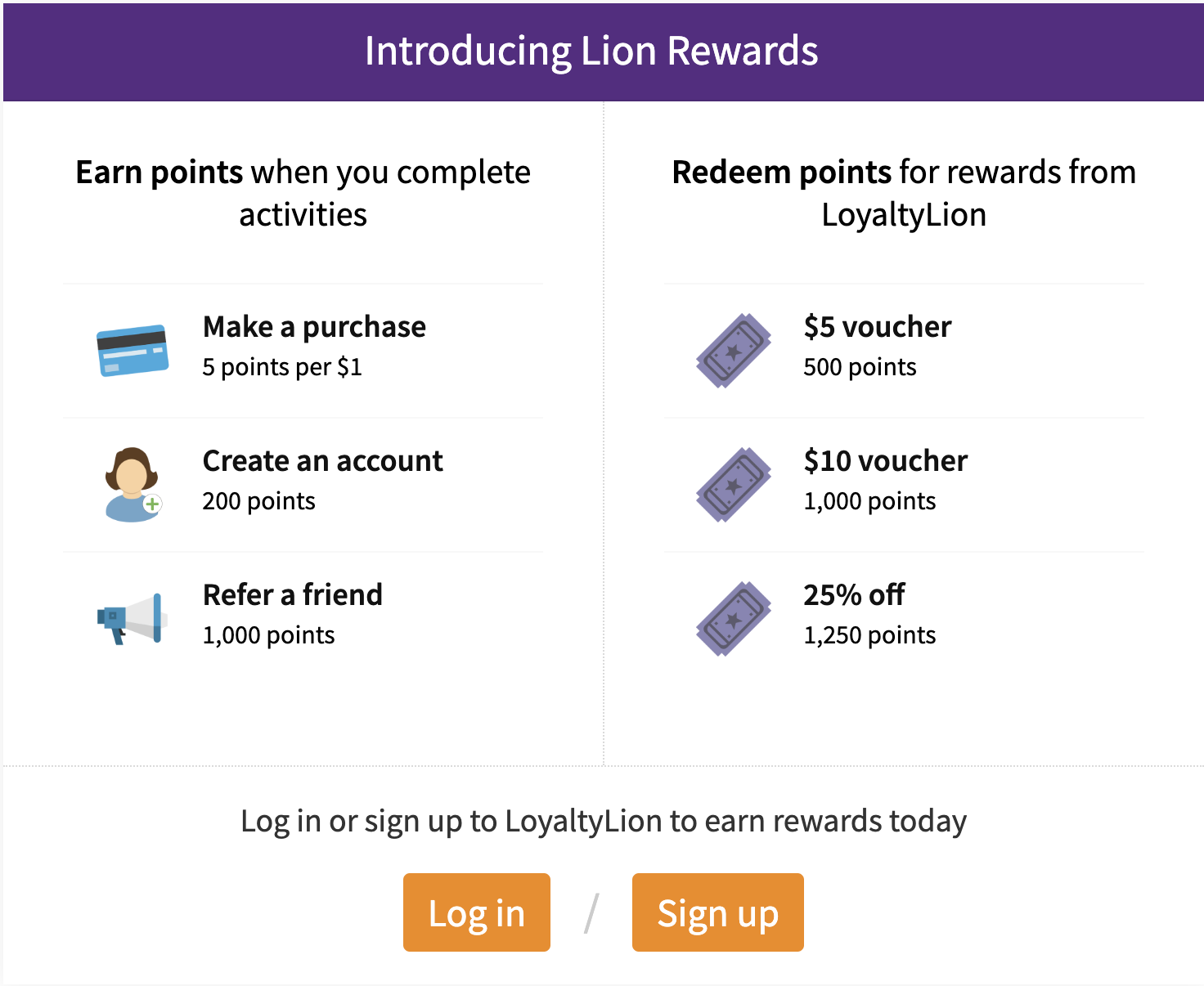
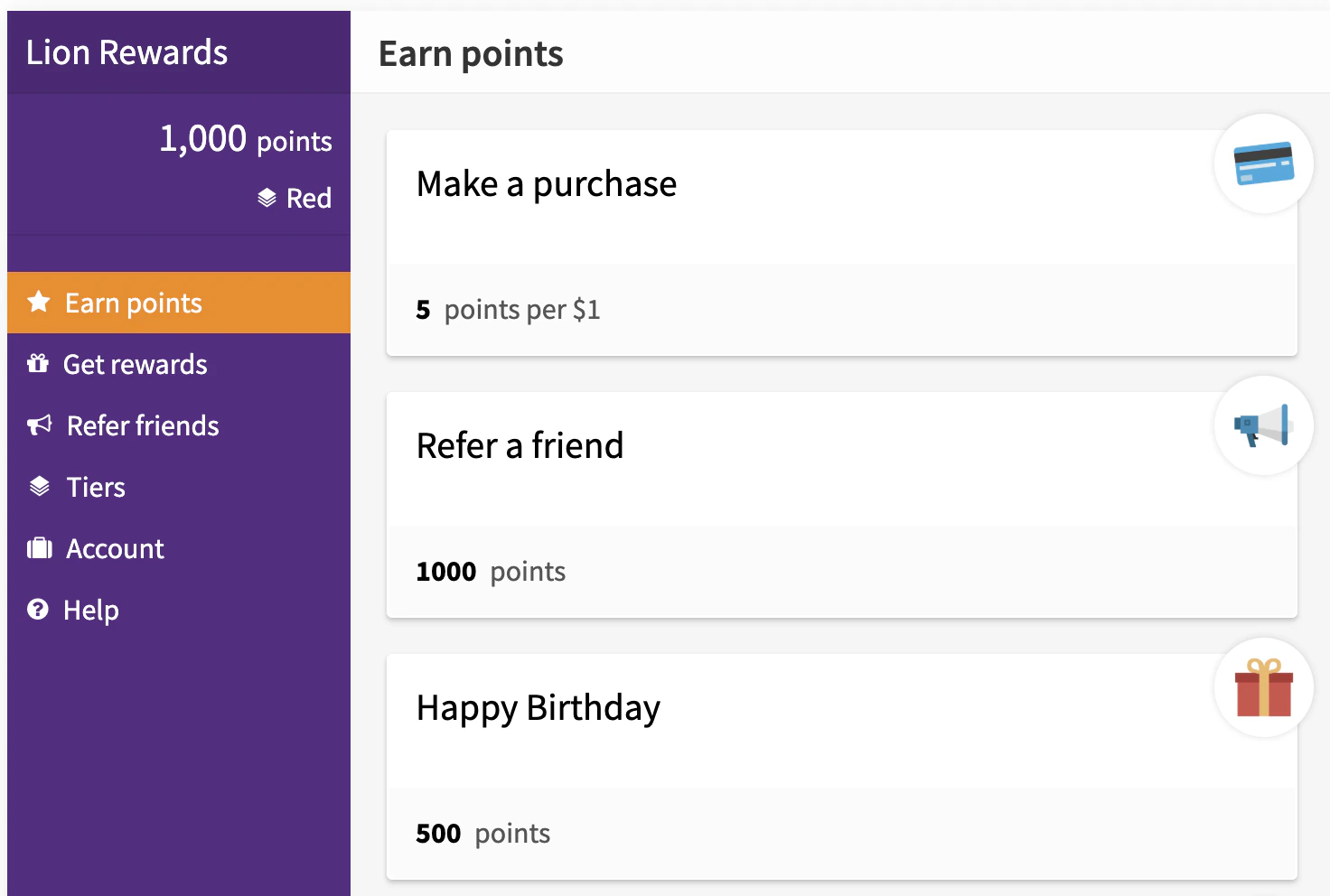
Loyalty panel and widget are a legacy interface, that we are slowly retiring. If you still use loyalty panel - we’ll be in touch with you, when it’s your time to upgrade.If you’d like to make the change earlier and take advantage of our new UI, contact us at support@loyaltylion.com.Please note that if you joined LoyaltyLion after 2022, you will not have access to this UI. Live preview
Guest view
Customer view
Embed panel on a page
Use the following code to embed the Loyalty Panel on a page:
By default, the Loyalty Panel expands horizontally to fill the available space. For best results, don’t add anything to either side of the panel.
You can make the Loyalty Panel open on a specific page when it loads by including a tab parameter in the URL of the page containing the embedded component:
The embedded Loyalty Panel is only visible for programs that have been
launched.
Open in a modal
You can open the Loyalty Panel in a modal by adding the data-lion-account-link attribute to any element. You can open it on a specific page by passing a value to this attribute.
The available pages you can open on are:
redeem (default)earnreferhistoryhelp
If you have the Loyalty Widget enabled, it opens the Loyalty Panel in a modal on click.