> ## Documentation Index
> Fetch the complete documentation index at: https://developers.loyaltylion.com/llms.txt
> Use this file to discover all available pages before exploring further.
# Referral modal
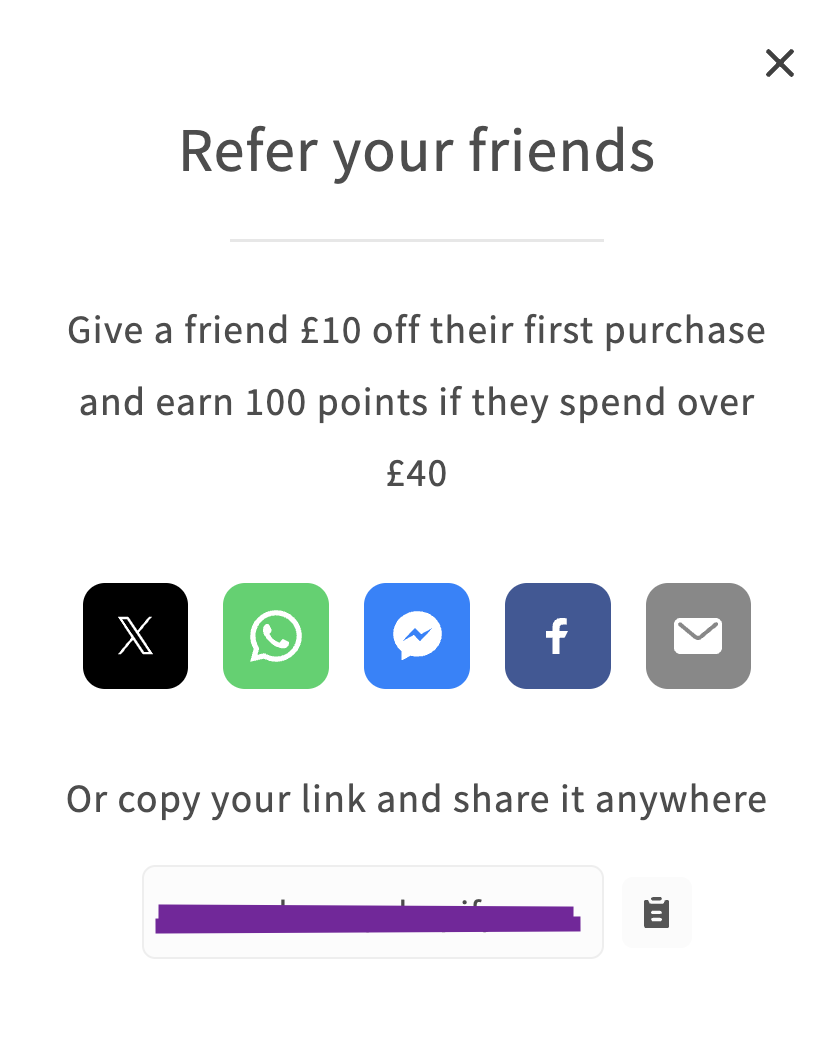
This standalone modal allows a logged in customer to refer their friends via various channels. If no customer is logged in, it asks them to log in first and display log in and sign up buttons.
Available on the **Advanced plan** and above.
## Open the referral modal
### On click
You can open the referral modal by adding the `data-lion-refer` attribute to any element. When that element is clicked, we'll display the referral modal.
```html theme={null}
Refer your friends and get $10
```
### On page load
You can set the referral modal to open automatically on page load. To do this, in the link to your store include the parameter `ll_act=refer`.
```
https://example.com/?ll_act=refer
```
## Preview
 # Referee Welcome Modal
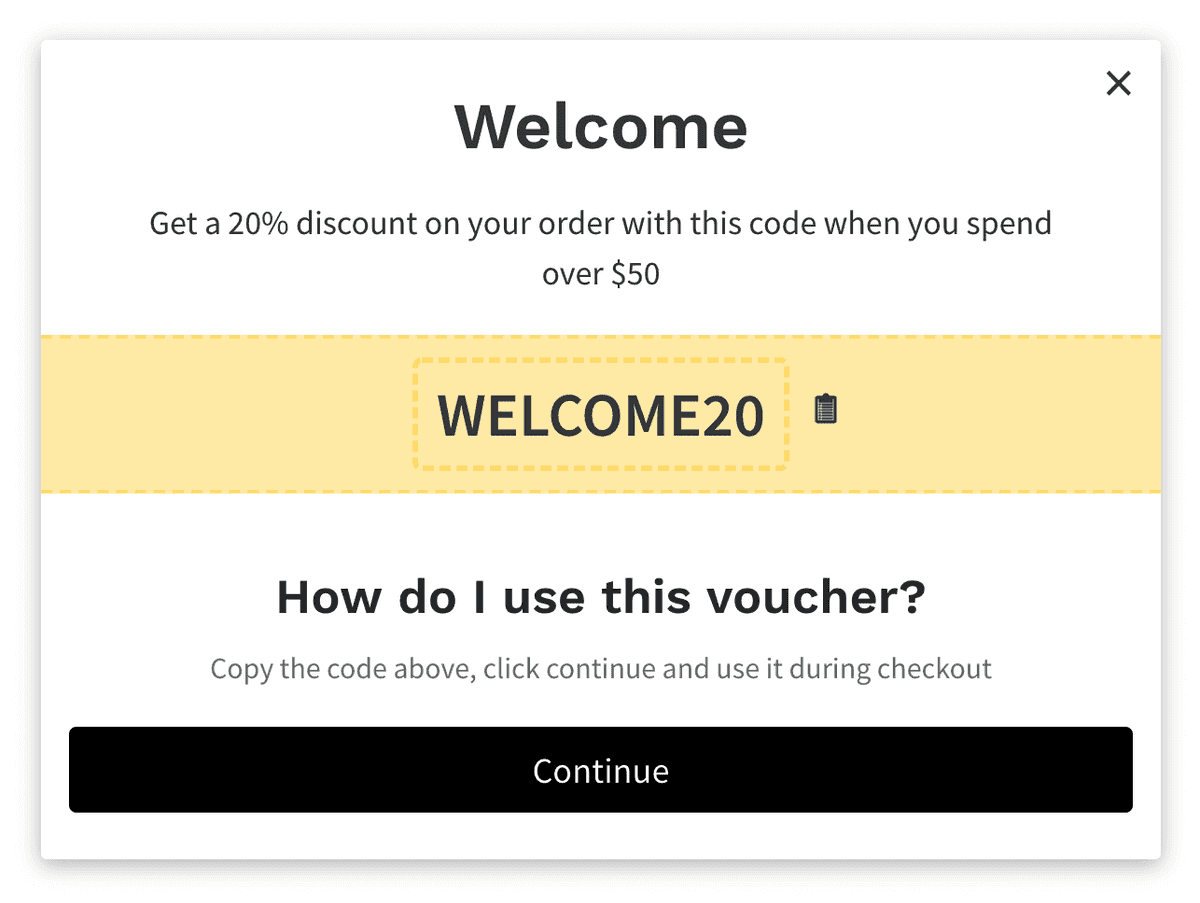
With referral rule enabled, anyone who lands on your store via a referral link is greeted with this modal, which tells them about the offer and how to claim it.
To enable the referral friend offer, go to the [Rules](https://app.loyaltylion.com/go/manage/rules/) section in the LoyaltyLion admin, select the referral rule and set it up in the "Friend offer" section.
## Preview
# Referee Welcome Modal
With referral rule enabled, anyone who lands on your store via a referral link is greeted with this modal, which tells them about the offer and how to claim it.
To enable the referral friend offer, go to the [Rules](https://app.loyaltylion.com/go/manage/rules/) section in the LoyaltyLion admin, select the referral rule and set it up in the "Friend offer" section.
## Preview