> ## Documentation Index
> Fetch the complete documentation index at: https://developers.loyaltylion.com/llms.txt
> Use this file to discover all available pages before exploring further.
# Tier benefits compare
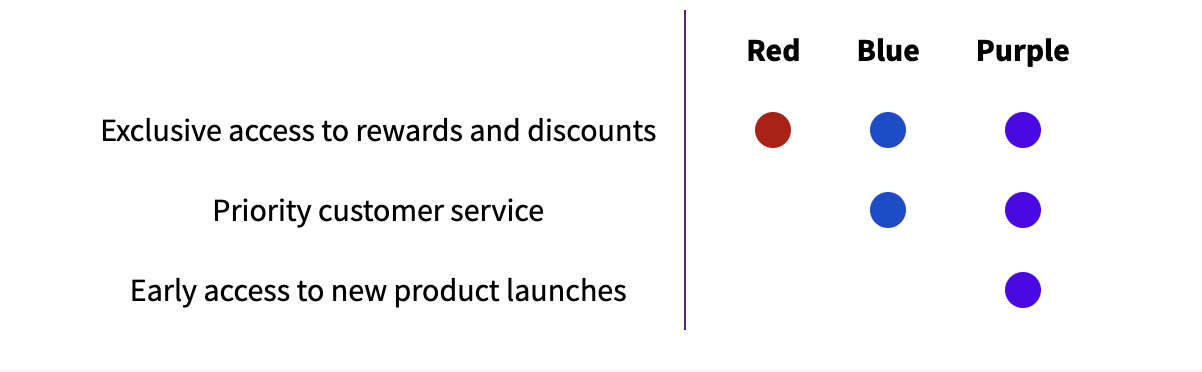
Use this component to render a comparison of the benefits available to each tier. These are (by default) be color coded based on the tier's color, but can be overridden using CSS.
Each `td` has a CSS class indicating the tier it is a part of (numbered based on position, from 0). For example, to select the benefit status circles in tier-0:
```
.lion-tier-benefits-compare__row-cell--tier-0 .lion-tier-benefits-compare__benefit-status-circle
```
If a benefit is enabled for a tier, it contains a `--enabled` modifier:
```
.lion-tier-benefits-compare__benefit-status--enabled
```
If customer is logged in, it attaches a `--current` modifier to the tier that customer is currently in:
```
.lion-tier-benefits-compare__benefit-status--current
```
## Code
```html theme={null}
```
## Preview